> For the complete documentation index, see [llms.txt](https://docs.ninjutsugames.com/llms.txt). Markdown versions of documentation pages are available by appending `.md` to page URLs; this page is available as [Markdown](https://docs.ninjutsugames.com/game-creator-2/factions/photon-factions.md).
# Photon Factions
## Overview
The **Photon Factions** submodule integrates Photon Unity Networking with the Factions module, ensuring that all faction-related data is synchronized across the network.\
This includes:
* Synchronizing member faction points
* Joined factions
* Relationships
* And variables.
{% hint style="success" %}
[**Get Photon Factions on the Unity Asset Store →**](https://www.ninjutsugames.com/go/photon-factions?src=docs_photon_factions_overview)
{% endhint %}
## Requirements
Install [**Game Creator 2**](https://www.ninjutsugames.com/go/game-creator-2?src=docs_photon_factions_requirement_gc2), [**PUN 2**](https://www.ninjutsugames.com/go/photon-pun-2?src=docs_photon_factions_requirement_pun), [**Photon Module 2**](https://www.ninjutsugames.com/go/photon-module-2?src=docs_photon_factions_requirement_core), and [**Factions**](https://www.ninjutsugames.com/go/factions?src=docs_photon_factions_requirement_factions) before installing Photon Factions.
## Setup
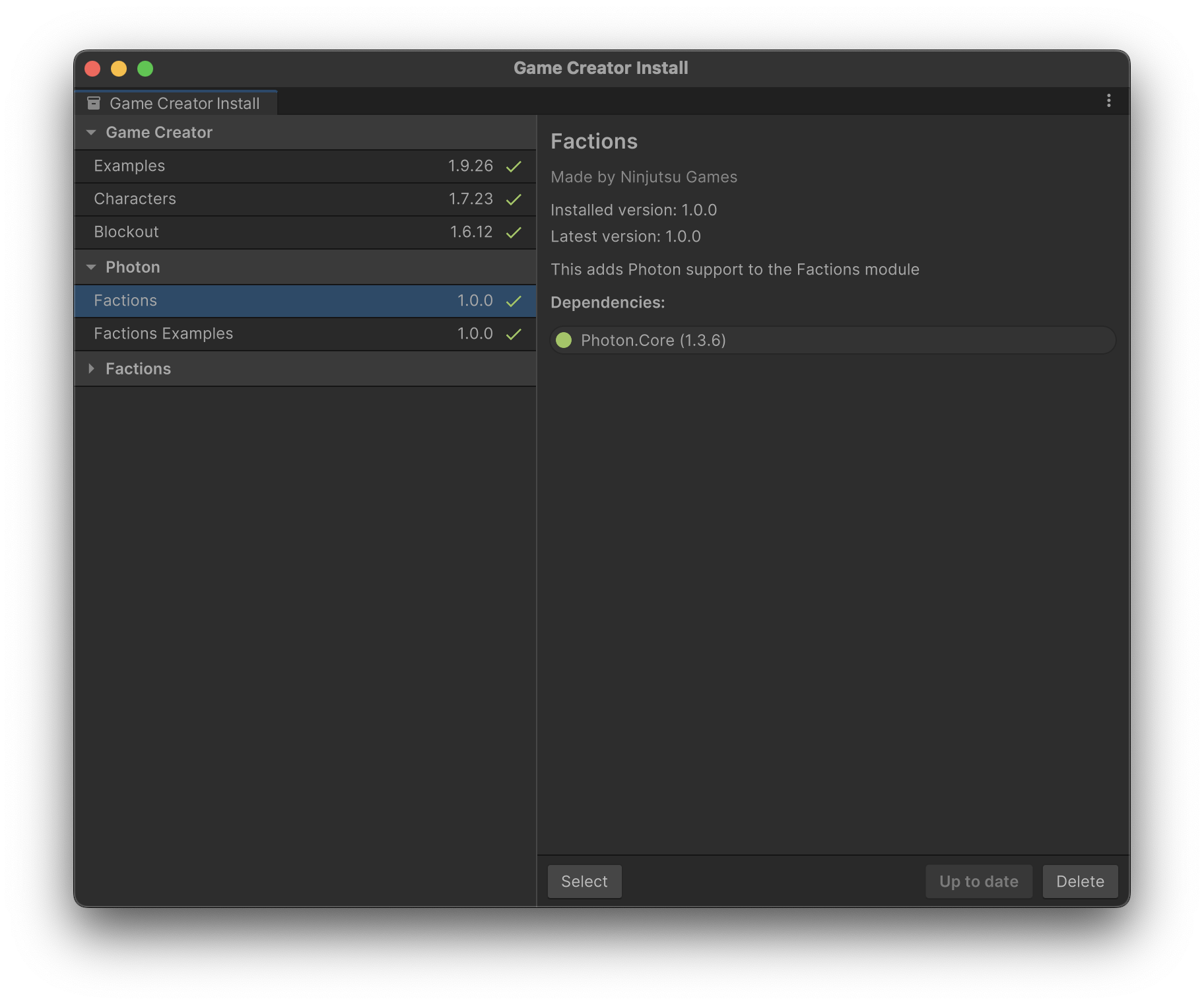
Once you have the package downloaded in your project just open **Game Creator Install** window and select Photon > Factions sub module and install it.
{% hint style="success" %}
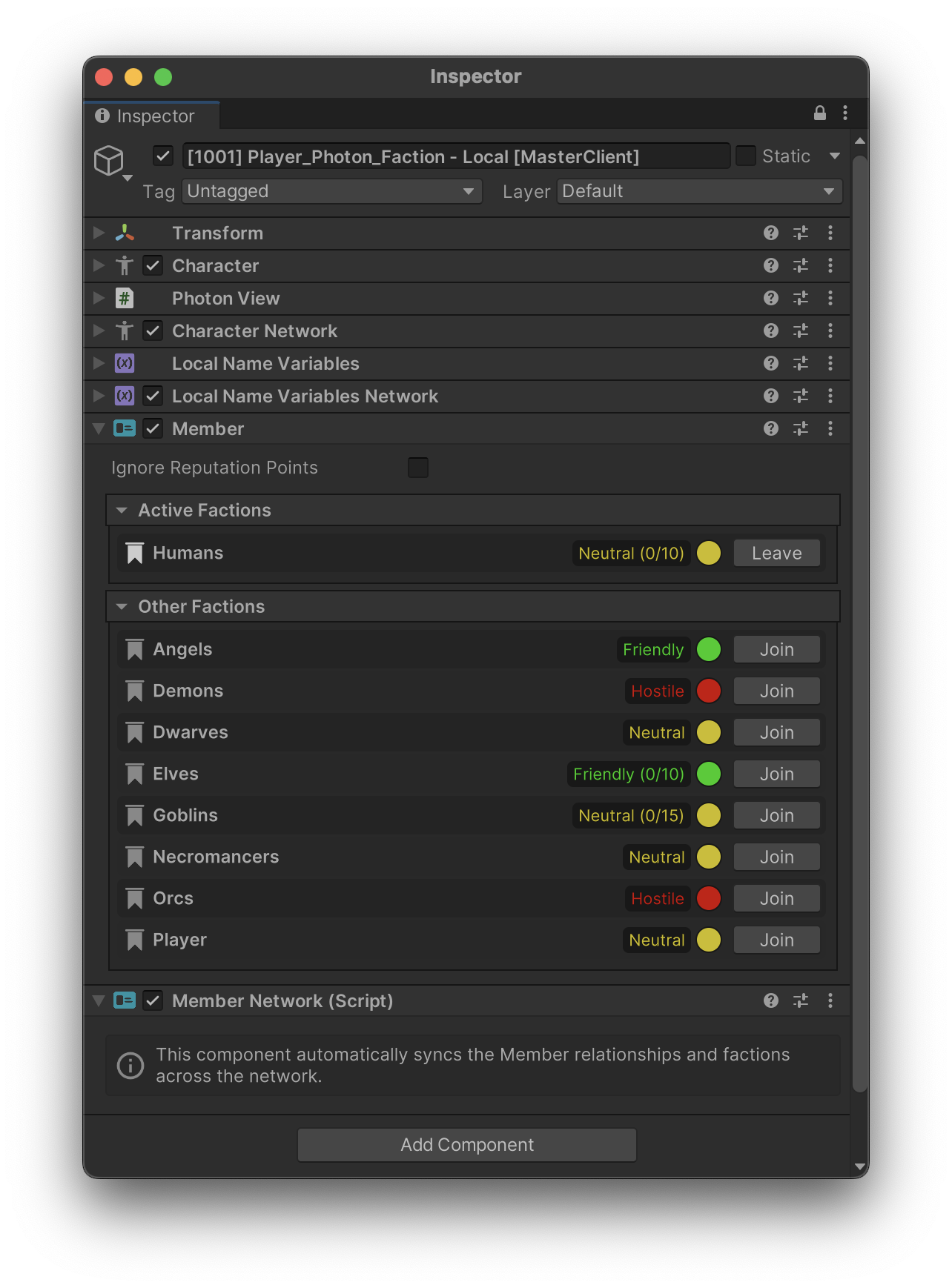
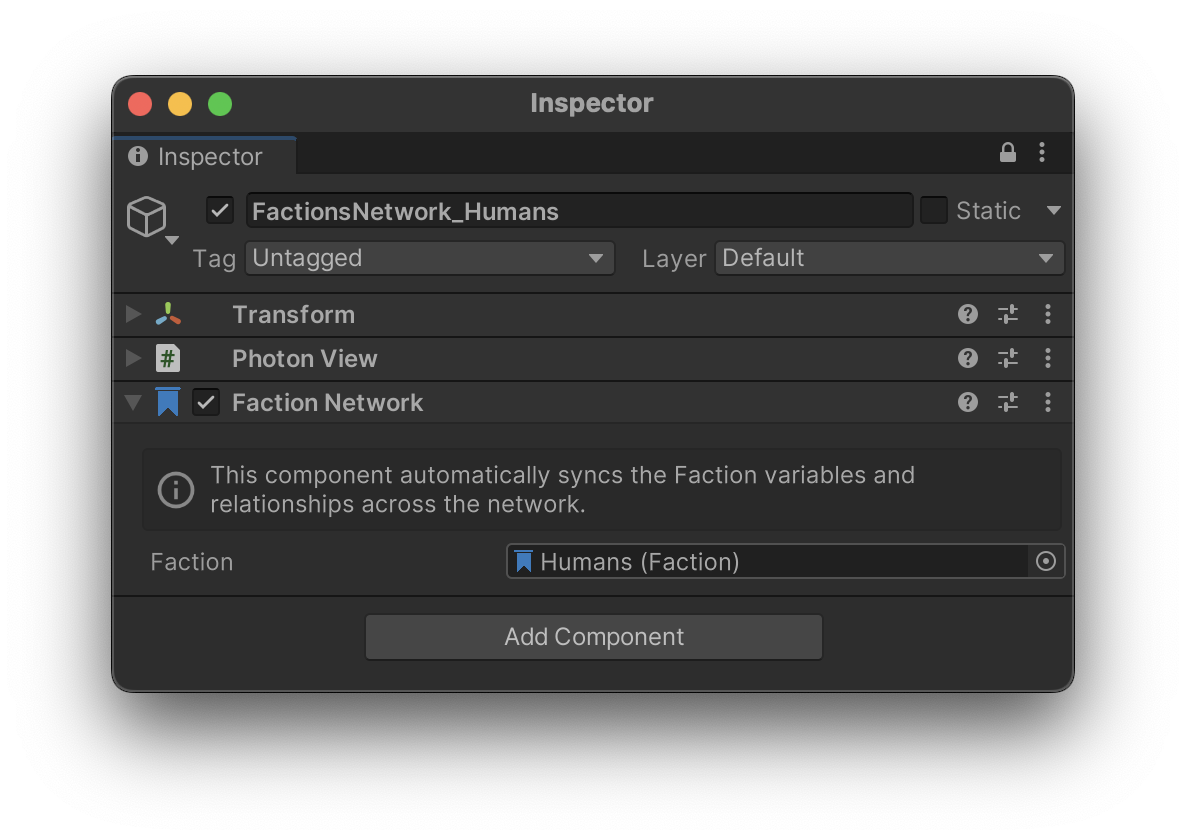
This package will add 2 new network components, **MemberNetwork** and **FactionNetwork**
{% endhint %}
## Member Network
Synchronizes member faction points and current joined factions across the network.
## Faction Network
Synchronizes faction relationships and variables through the network.